Updates

Follow new updates and improvements to Sea Notes.

Sea 0.2.1-beta.1

Highlights

  • Locked notes are simpler: unlock one note at a time, lock a single note without touching the rest, and lock everything from Settings when you want to.

  • Bring your writing in and take it out: Sea can now import and export Markdown.

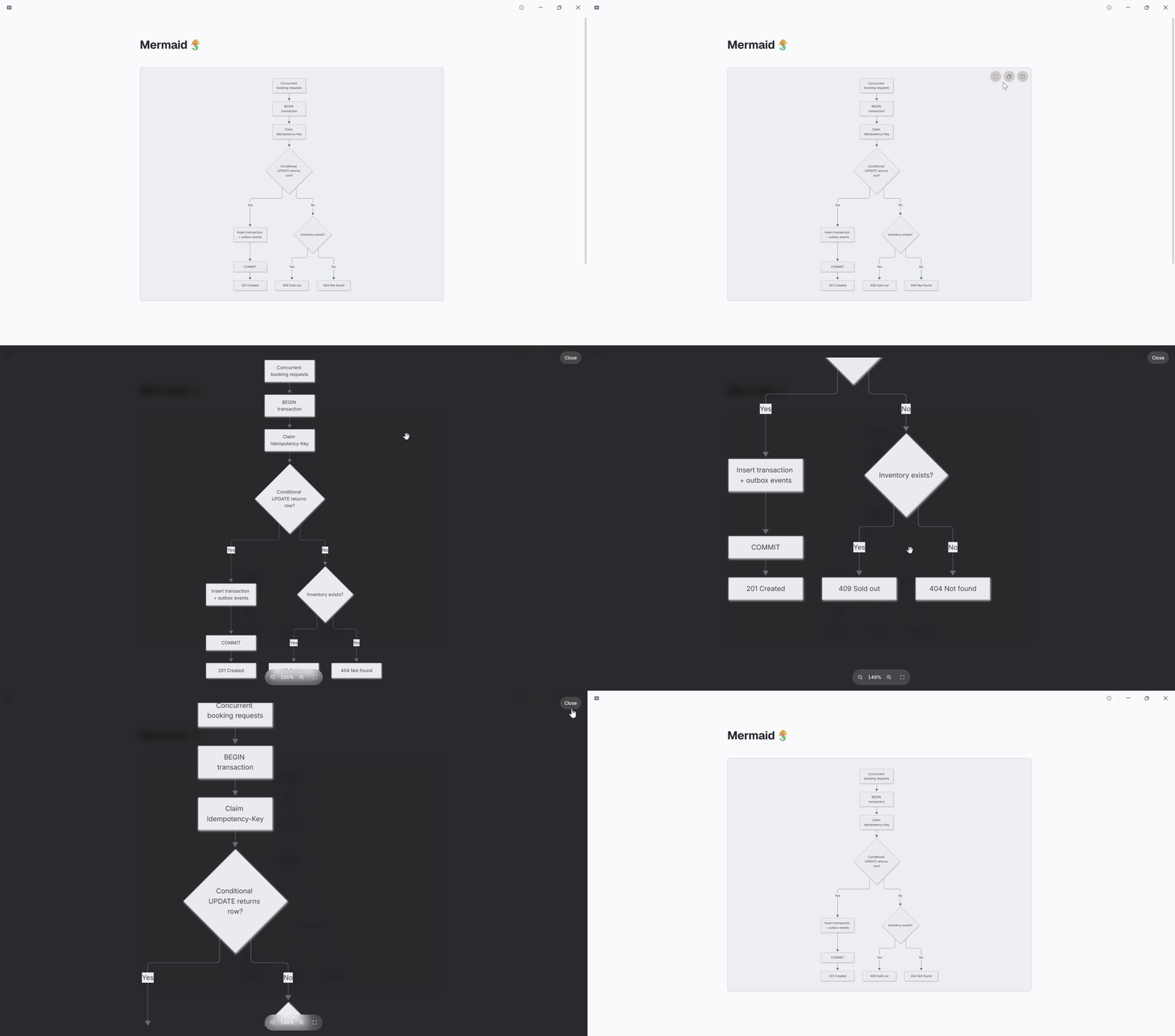
  • Mermaid diagrams render is here!

Improvements

  • Locked note previews use clean redaction bars instead of blurred placeholder text.

  • A performance pass makes the note list, search, and startup feel quicker.

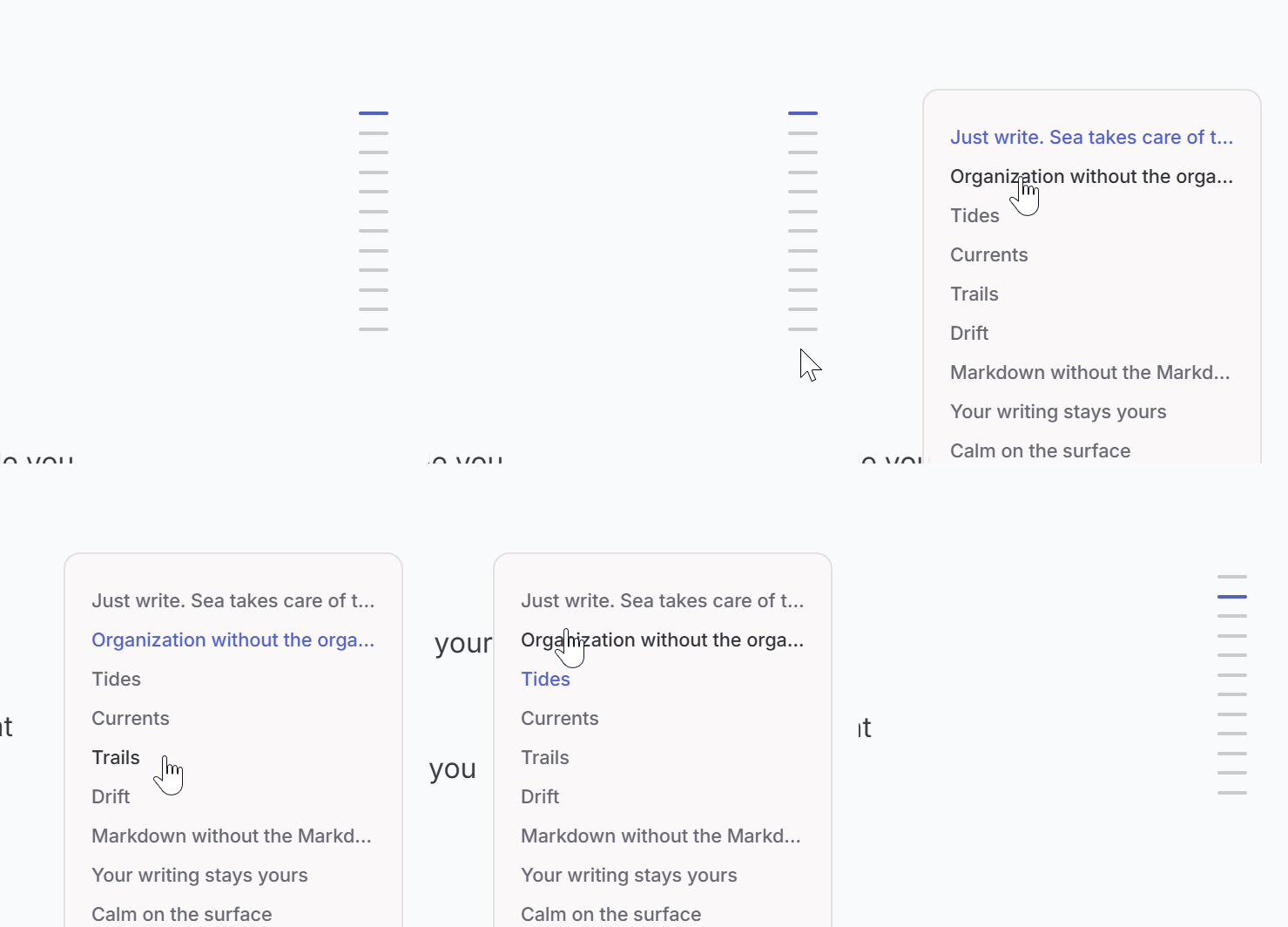
  • The outline stays steadier while you scroll and type.

  • Formatting and selection tools in the editor behave more consistently.

Fixes

  • Underline ranges for tags and links now keep up while you type.

  • Link syntax matches your text instead of switching to a typewriter font.

  • Jumping to a heading from the outline no longer moves your cursor.
New

Sea 0.2.0-beta.19

Highlights

  • Long notes now show a compact heading outline beside the editor. Hover to reveal section names, then jump straight where you need.

Improvements

  • Tags now share one cleaner, continuous sidebar with the rest of your navigation.

  • Archive and Trash stay close at hand in a compact menu without crowding the sidebar.

  • Scrolling and pressed states across the workspace feel calmer and more immediate.

  • Large notes with wikilinks and underlined text stay smoother while you work.

Fixes

  • Quick repeated clicks no longer create duplicate notes or repeat archive, trash, restore, save, and attachment deletion actions.

Sea 0.2.0-beta.3

Highlights

  • Sea can now render remote images.

  • Sea's editor pane now has top rounded corners.

Improvements

  • Performance improvement.

  • Better UX for Sea's editor engine.

Fixes

  • Broken formatting for lists under images.

  • Broken formatting for headings.

Improved